One thing we heard from people who wanted to try PaySoon was that you might have years of data sitting in Splitwise, and didn't want to start from scratch.
That's fair — so we built something to fix it.
We developed a straightforward importer that lets you bring your Splitwise data into PaySoon in just a few steps. You can export your expenses and groups from Splitwise as a CSV file and import them straight into PaySoon.
Here's how it works
- Open Splitwise and go to your group
- Click "Export" in the settings menu
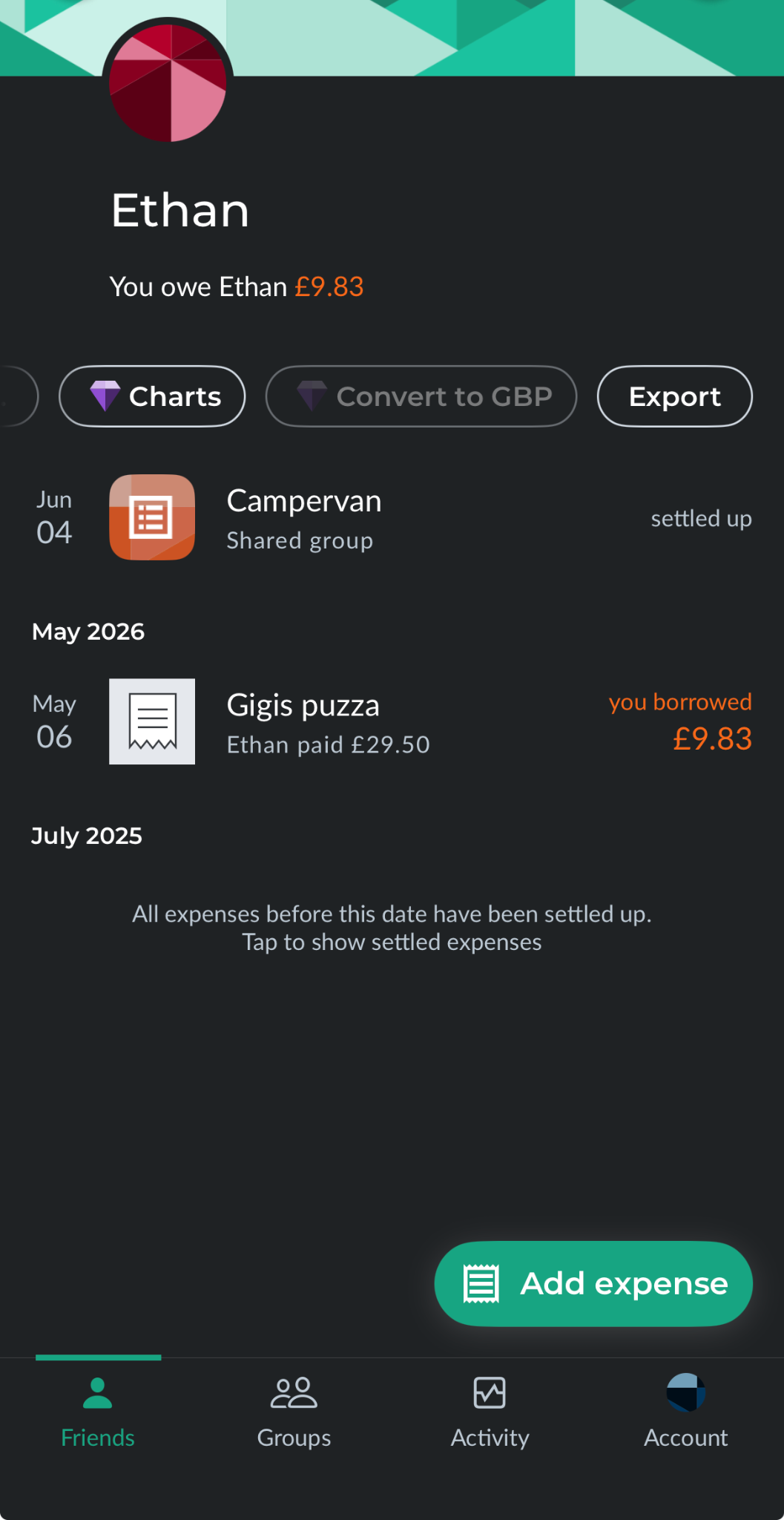
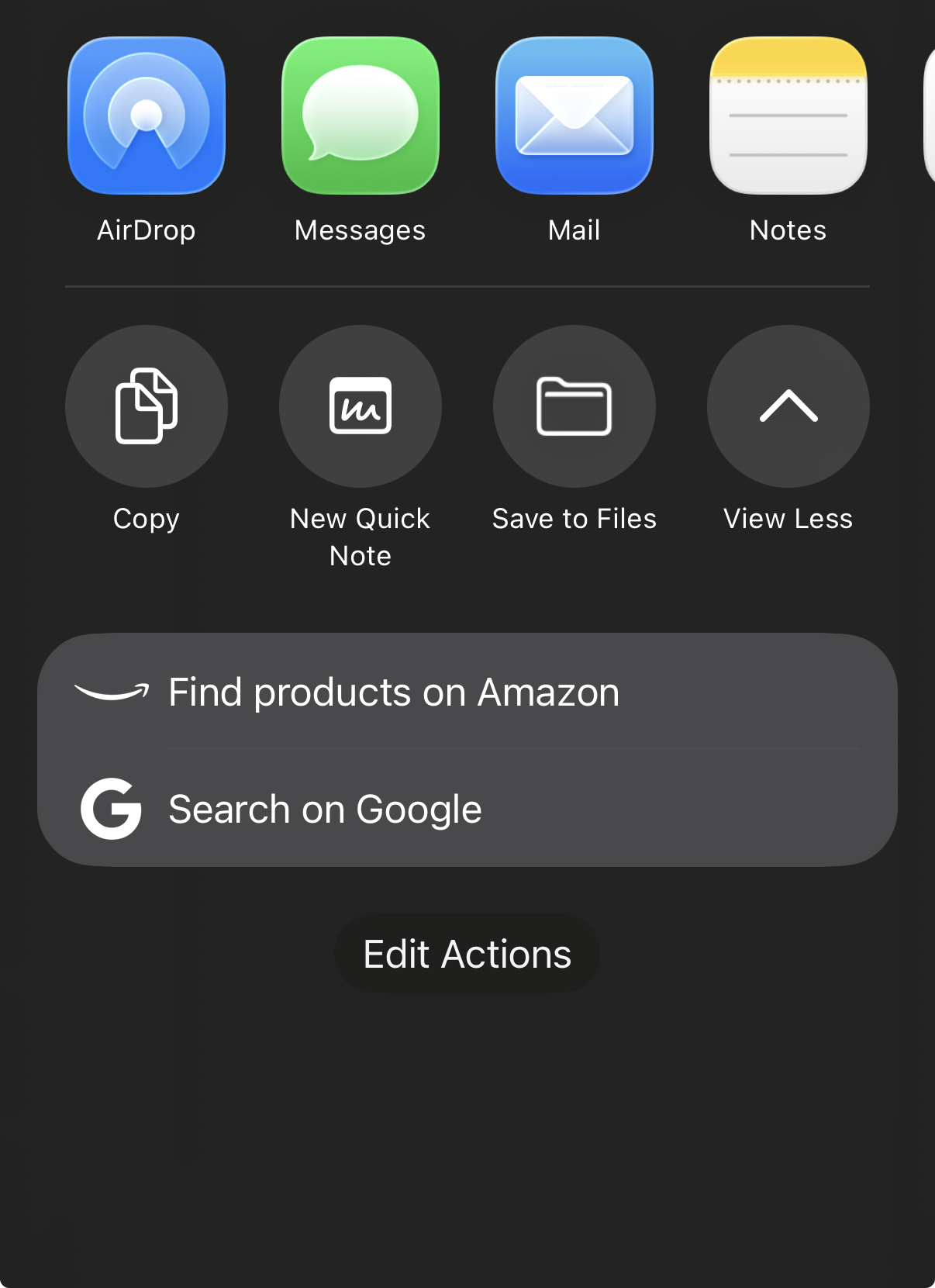
- Download the .CSV file
- Select the file in PaySoon's import screen
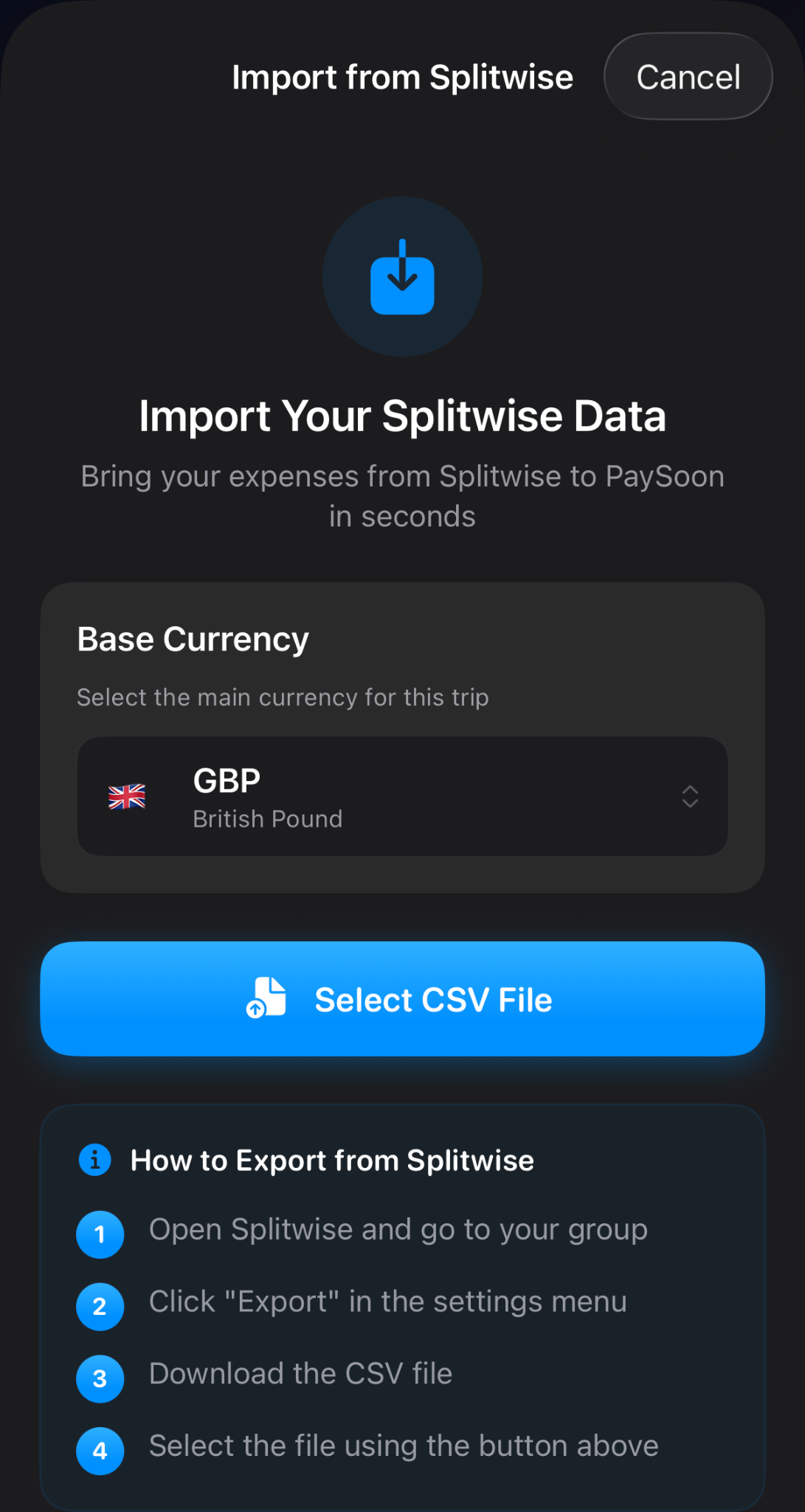
That's it — your history comes with you.
If you've been sitting on the fence about switching and this was the one hurdle holding you back, we hope this helps.